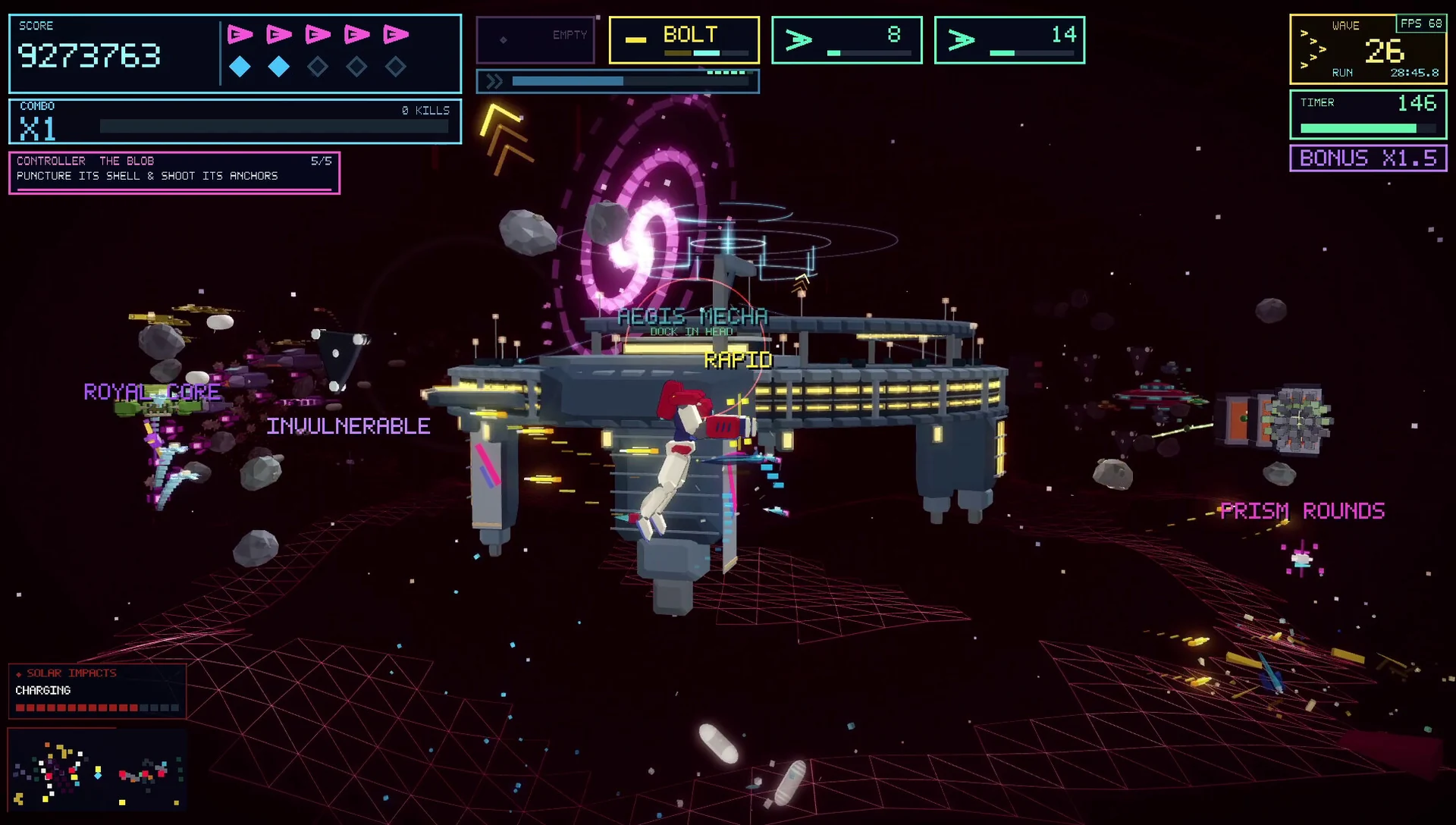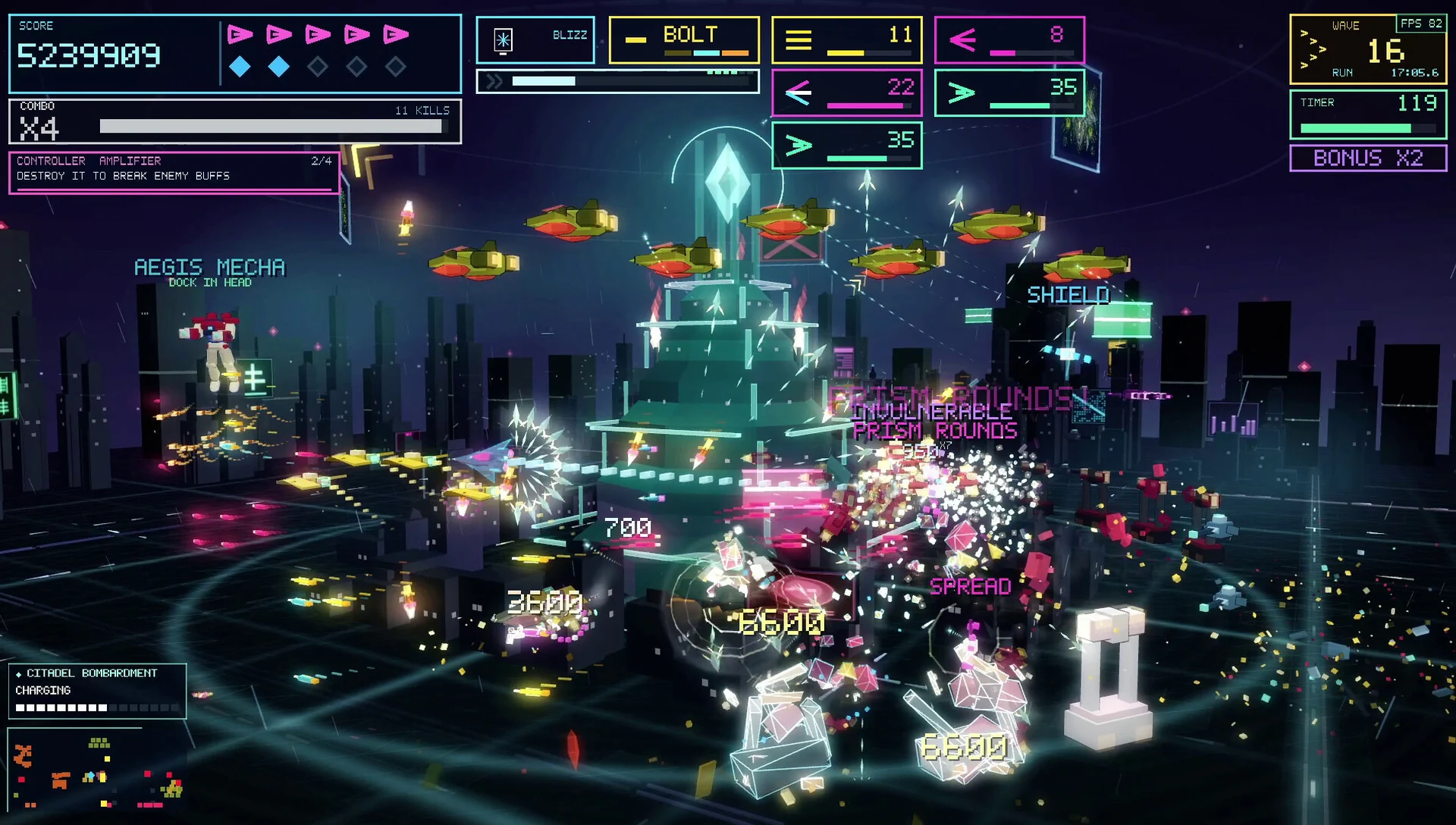
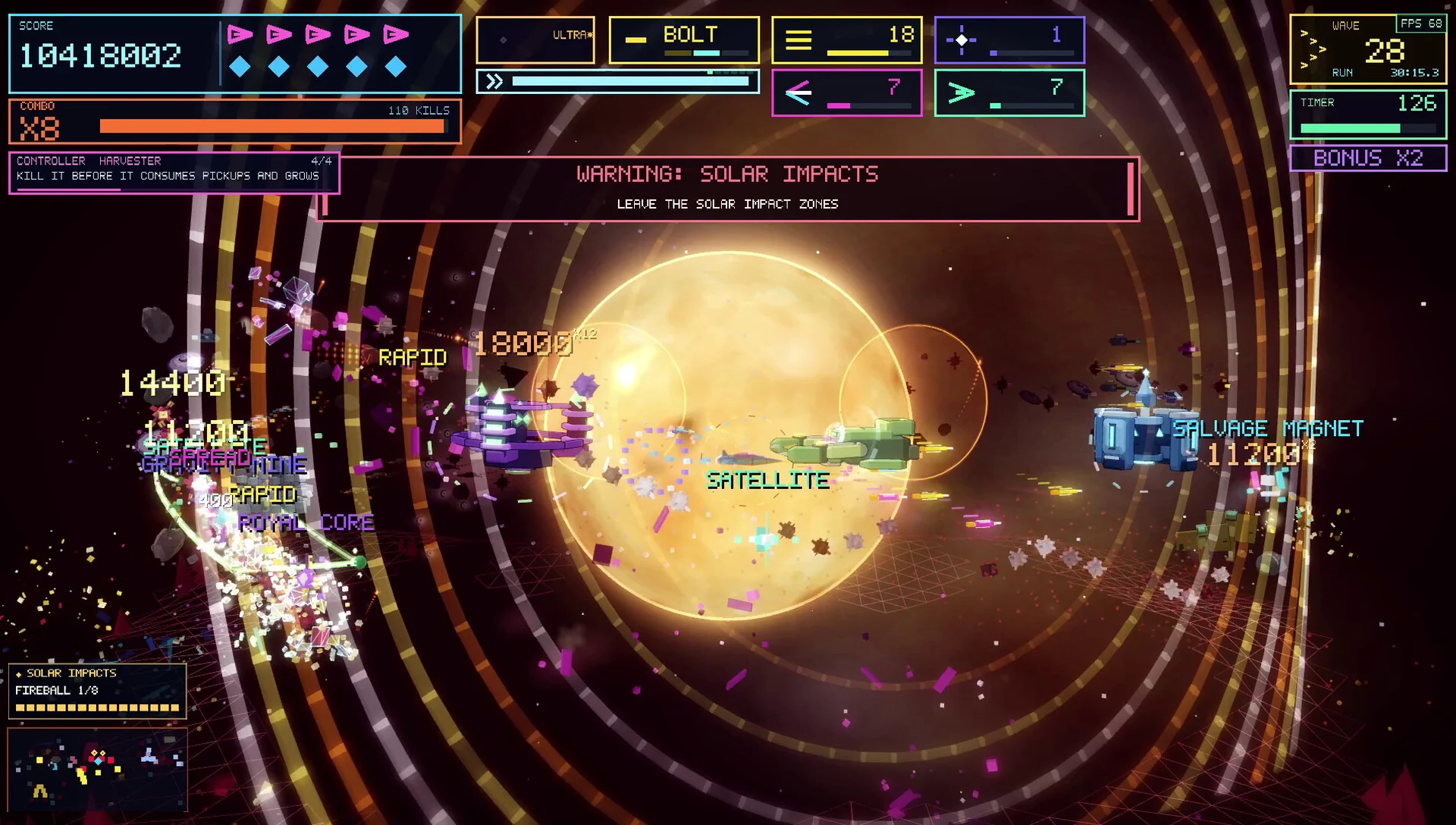
Set the mood
The Jukebox lets you browse the game soundtrack and choose what you want to hear. Its desktop library also accepts your own MP3 and uncompressed WAV files.
Imported music uses the same analyzer as the built-in tracks, connecting your music to the world’s reactive visuals.
Desktop music support
Custom music is a Windows and macOS feature. Use the in-game Jukebox to manage the library; adding a track to your personal library does not distribute it to other players.
Guide values describe the standard full-game rules. Anomaly modifiers and difficulty settings can change the result. The demo contains a smaller selection of the full game.